Foodshare
Industry
FoodTech / Community
Client
Confidential — Qatar-based startup
Service
End-to-End Product Design (Research → Prototype → Usability Testing)
Date
March 2025
FoodShare is a mobile app designed for a Qatar-based startup with a clear mission: make halal food discovery and community food-sharing simple, trustworthy, and culturally relevant. The client needed a product from zero — research, UX strategy, and a validated prototype ready for development.
The core problem was universal but culturally specific: people want to share food and organize gatherings, but coordination is a nightmare — endless chat threads, duplicate dishes, and no single source of truth for who brings what.
Research
10 moderated interviews to map real pain points around food-sharing and event coordination
Strategy
Defined MVP scope around the core insight — coordination and halal trust signals, not just discovery
Design
Two-sided experience — intuitive for organizers, frictionless for guests
Validation
5 usability tests with a high-fidelity Figma prototype
Handoff
Complete UI Kit with components, states, and developer specs
The Process: From Insight to a Ready Solution
Phase 1: Diving into the Pain (Research)
The key insight from interviews: the biggest headache is a lack of visibility and coordination. People are afraid of bringing the "wrong" thing or duplicating a dish.
Phase 2: MVP Strategy — A Focus on Coordination
I defined the MVP core: event creation and a shared "What to Bring" list where guests can "claim" an item. This was designed to give all participants a single, transparent source of truth.
Phase 3: Designing and Prototyping (Execution)
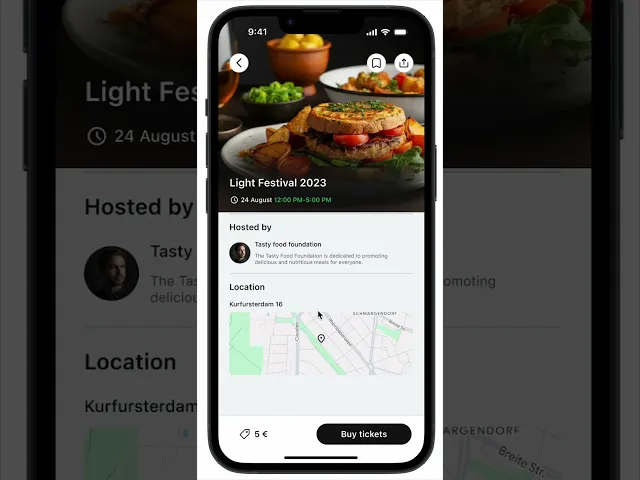
The event page became the heart of the app, useful for both organizer and guest. The design was made clean and friendly to emphasize the informal nature of the gatherings.
Final Design
Home & Card screens
This is the main home screen of the FoodShare app, where users are greeted by name and instantly see how many food-sharing events are happening nearby. The interface highlights upcoming events with visuals, dates, and key details like time, location, and cost (if any). Below that, users can view their own hosted events for quick access.


Explore screen
The Explore screen allows users to browse and search for local food-sharing events and available dishes.
*This is a simplified prototype showing only the main features and screens, designed to illustrate the event creation flow clearly.
Saved events & Chat
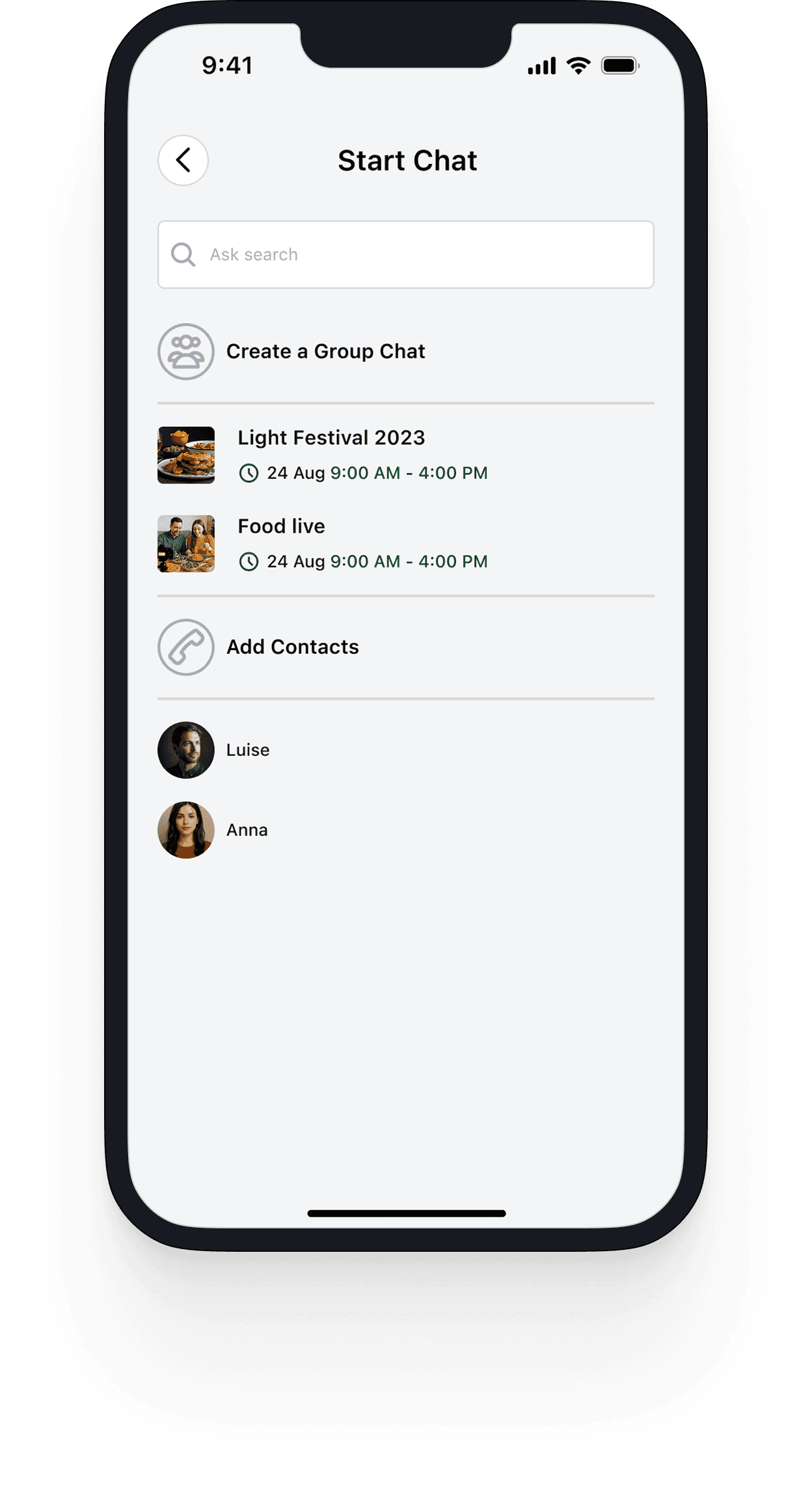
Saved events screen allows users to bookmark food-sharing events they’re interested in. The Chat screen enables users to communicate directly with event organizers or other participants.



Payment
This screen enables users to securely complete payments when joining paid food-sharing events. It offers multiple payment options, including Apple Pay and other method, ensuring a fast and convenient checkout process.
Solution Validation & Project Outcomes
1. Usability Testing Results
✅ 100%
of participants successfully completed the core tasks: creating an event and claiming a dish to bring.
⏱️ 9 out of 10
users described the prototype as "very intuitive" and "exactly what I need."
Event creation flow completed in under 2 minutes across all test sessions:
"This is brilliant. I would use this all the time. This solves the main reason I hate organizing parties. Can you tell me when it's available?"
Usability test participant
2. Meeting Project Goals
User Pain Point
How the Design Solves It
Chaos and duplicate dishes
A shared "What to Bring" list where claimed items are locked in real-time.
Fear of social awkwardness
Transparency—everyone sees who is bringing what, which reduces anxiety.
Organizational complexity
An intuitive event creation flow that took less than 2 minutes, according to test results.
3. Final Project Outcome
An intuitive event creation flow that took less than 2 minutes, according to test results.
A complete UI Kit with components, states, and guidelines for fast, high-quality development.
Key Design Decisions
1. Shared "What to Bring" list with real-time claiming
The core mechanic that eliminates duplicate dishes and coordination anxiety. Once a guest claims an item, it's locked. Everyone sees the full picture.
2. Two-sided event page
The same screen works for both organizer (managing, editing, tracking) and guest (RSVPing, claiming, chatting). No switching between views.
3. Halal trust signals
The design incorporates clear halal food labelling and filtering, which was a non-negotiable requirement for the target audience.
Minimal onboarding
The app gets out of the way and lets users start immediately, with defaults that work for most cases.
Key Learnings
Cultural context shapes product decisions — designing for a Muslim audience in Qatar meant halal trust signals weren't a feature, they were the foundation.
Validation before development is the best risk management — enthusiastic responses from 5 testers proved the concept without writing a single line of code.

